GUI Guide
shmpipeline-gui is the interactive surface for editing pipeline YAML and controlling a shmpipeline serve instance. The GUI no longer owns a local PipelineManager; it edits a local document, then pushes that document to the connected server.
Launch
Install the GUI extra:
pip install "shmpipeline[gui]"
Start the application:
shmpipeline-gui
For local use, you can simply press Build or Start and the GUI will auto-launch a loopback control server for the current document.
If you want to attach to an existing local or remote server instead, start it first:
shmpipeline serve pipeline.yaml --host 127.0.0.1 --port 8765
The Server menu exposes Launch Local Server, Stop Local Server, Connect, Disconnect, Pull Config, and Push Config actions.
Main areas of the application
The main window combines several responsibilities:
shared-memory table editor
kernel table editor
remote-server connection and document sync controls
validation status and graph summary
runtime controls for build, start, pause, resume, stop, and shutdown
live worker metrics
synthetic input management
viewer launching for configured streams when the server is local
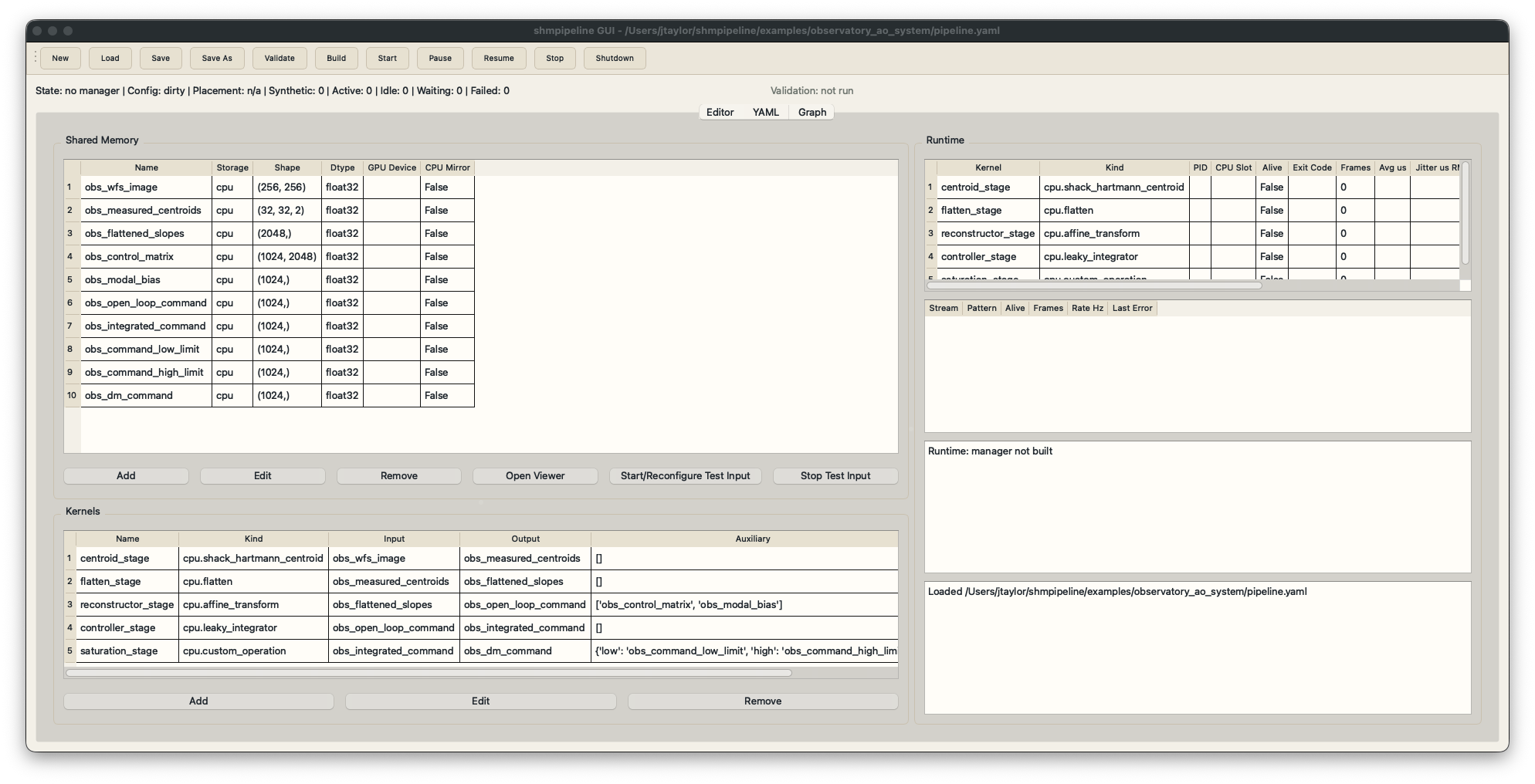
Main window with shared-memory definitions, kernel stages, runtime metrics, and lifecycle controls.
Typical editing flow
Load an existing pipeline YAML file or start from an empty document.
Add shared-memory definitions.
Add kernel stages and wire their inputs and outputs.
Validate the config locally.
Press
BuildorStartto auto-launch a local server, or connect to an existing server from theServermenu.Push config changes to the connected server when needed.
Inspect runtime status and any relayed worker failures.
Launch viewers for selected streams when connected to a local server.
Shared memory editor
The shared-memory dialog exposes:
stream name
shape
dtype
storage backend
GPU device
CPU mirror toggle
Use CPU mirrors on GPU streams when you need CPU-side readers such as host-side viewers or external tools.
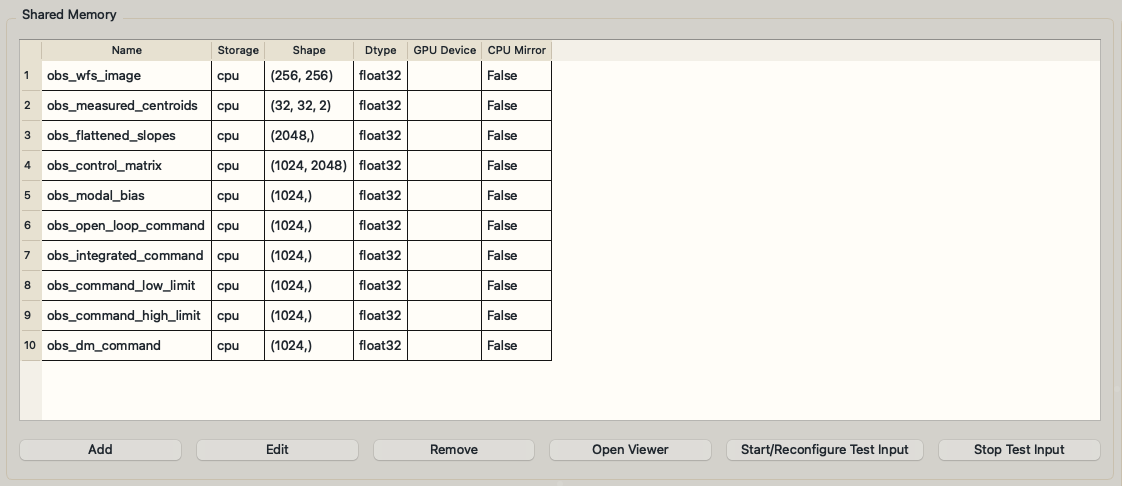
Shared-memory editor with stream metadata, viewer launch controls, and synthetic-input actions.
Kernel editor
The kernel dialog exposes:
kernel name
kernel kind
trigger input
output
auxiliary YAML
operation string for custom-operation kernels
parameter YAML
read timeout
pause polling interval
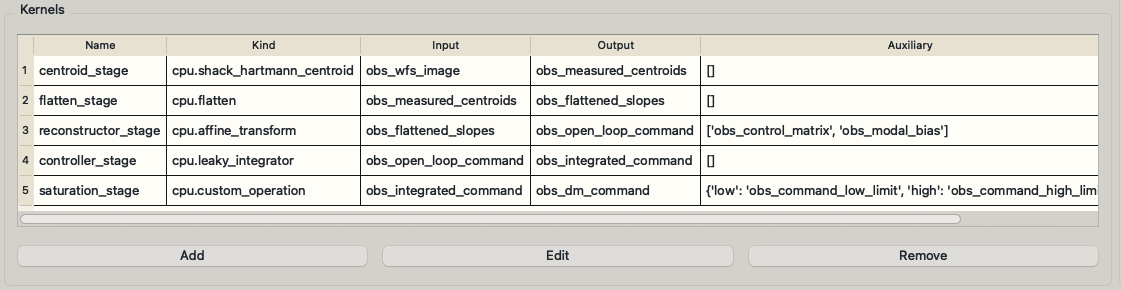
Kernel editor with stage ordering, kernel kinds, trigger inputs, outputs, and auxiliary stream bindings.
Runtime controls
The main window follows the same state model as PipelineManager, but all lifecycle commands are sent to the connected server:
build
start
pause
resume
stop
shutdown
The runtime table shows worker identity and health, including PID, CPU slot, frame counts, timing, and throughput.
If the pipeline fails, the server failure is surfaced back into the GUI through the runtime snapshot and shown to the user.

Runtime metrics view showing worker liveness, frame counts, average execution time, jitter, and throughput.
Synthetic inputs
The GUI can start and stop synthetic writers for built input streams. This is useful for:
smoke-testing a new pipeline without an external producer
driving viewers during demos
reproducing deterministic test scenarios
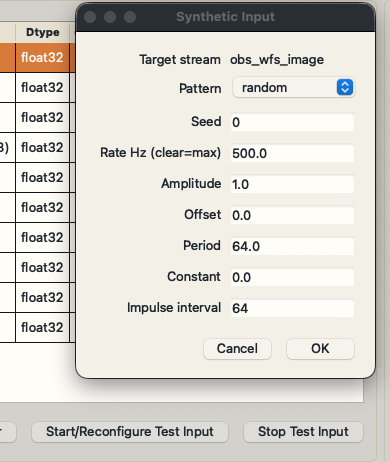
Synthetic-input dialog for selecting the target stream, pattern, rate, seed, and pattern-specific parameters.
Stream viewers
Viewer windows are launched as separate processes so they can keep updating even while the main GUI remains responsive.
Viewers are currently local-only. The GUI will only launch them when the connected control server is running on the same host, because the viewer process attaches directly to local shared-memory streams.
The viewer status distinguishes between:
stream rate derived from shared-memory metadata
viewer refresh rate derived from the local timer
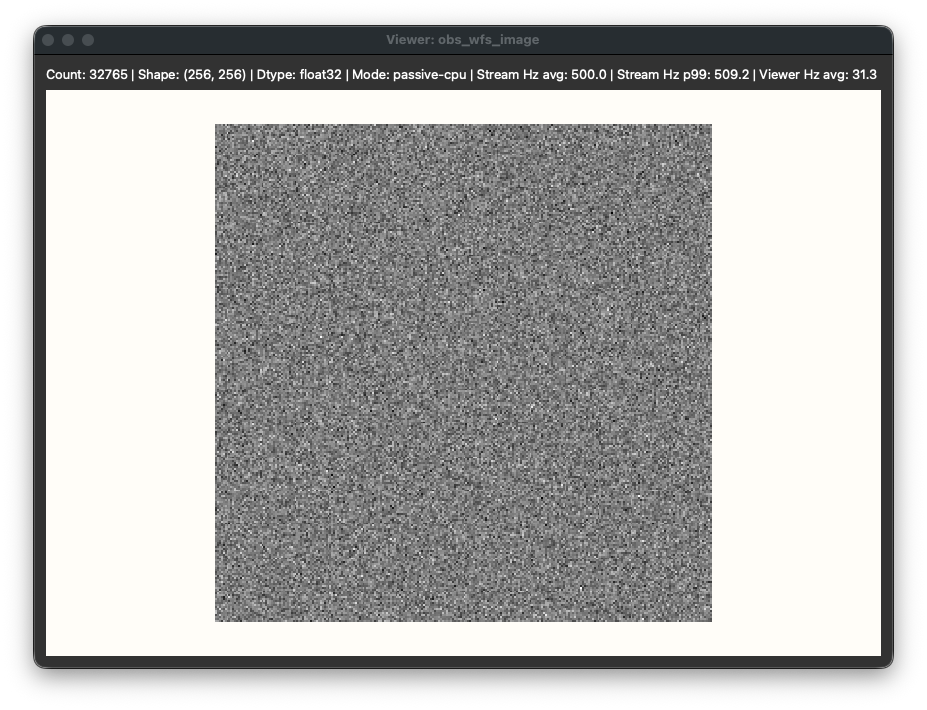
Viewer window showing a live stream, stream update rates, and local viewer refresh statistics.
Screenshot assets
The documentation uses stable filenames from docs/_static/images/gui/. If the GUI layout changes, replace the images in that directory and rebuild the docs.